
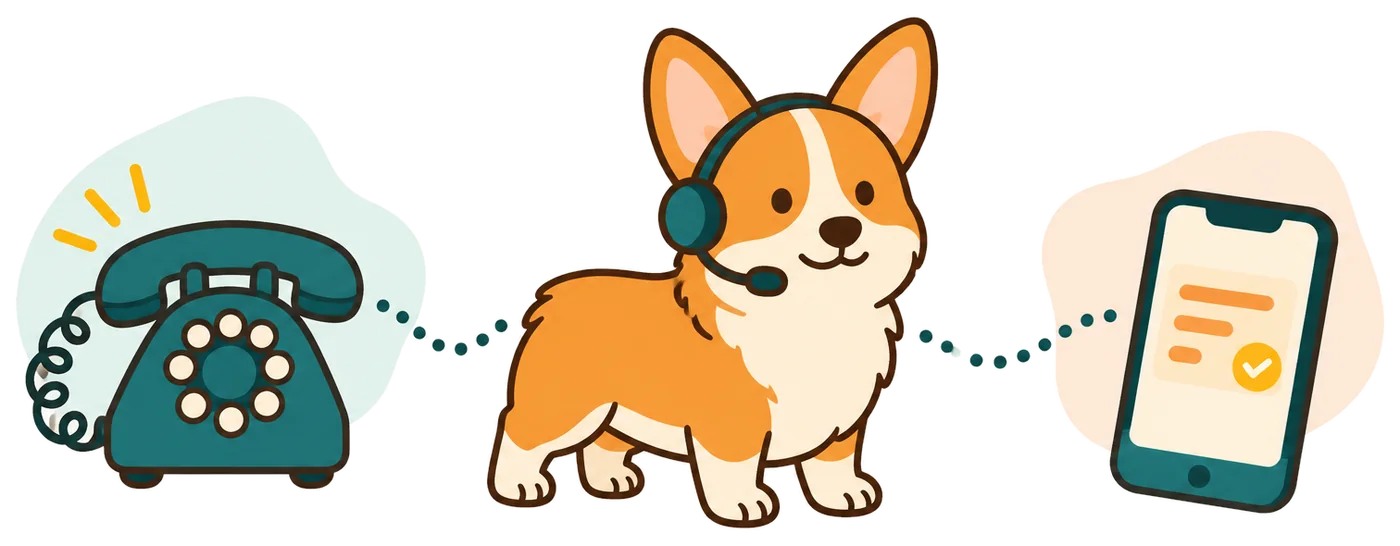
Collect locksmith inquiries while your hands are busy
Your receptionist answers forwarded calls when you are working on a lock or away from the phone. It gathers the service request and callback details using the questions you choose.
- Lockout intakeCollect the location, lockout type and callback details for your review.
- Planned workTake inquiries about rekeying or other services your business actually offers.
- Chosen hoursUse the receptionist for after-hours calls or the forwarding coverage you prefer.
Learn more
An AI receptionist for locksmith work can take the first conversation while you finish the job in front of you. A caller might need help with a home lockout, a vehicle key or scheduled rekeying. Your service list tells the receptionist which requests your business handles.
You receive the request through email and app push, with the transcript and recording available alongside the summary. Set urgent call rules for situations that need your attention now. Routine questions can become callback messages, so you can review what the caller needs before discussing the job yourself.
Take a lockout call from first question to callback
The receptionist discloses that it is a virtual assistant and that recording is on, then collects your lockout intake. Your rules decide whether the request becomes a message or urgent handoff.
- Service requestAsk whether the caller needs lockout help, key work or another offered service.
- Job locationCollect the address and the callback details you need to assess the request.
- Next actionRoute urgent requests to your contact or leave details for your callback.
Learn more
Imagine a fictional caller locked out of a house after closing time. The receptionist asks for the location, callback number and the details your locksmith intake requires. It uses your service area and after-hours policy when answering the caller's questions.
If your rules classify the request as urgent, the receptionist can warm transfer or page your on-call person. For a warm transfer, that person hears the summary first and presses 1 to accept. Your locksmith then takes over the assessment. A routine inquiry stays available as a call record for follow-up, with the original conversation there to review.
Define accepted jobs, quote wording and contact order
You decide which locksmith services the receptionist describes, what it says about prices and when it should contact you. Setup also covers your service area, opening hours and intake questions.
- 1Accepted workList the residential, commercial or vehicle services your business actually provides.
- 2Quote wordingGive the receptionist your policy for inquiries that need assessment before pricing.
- 3Urgent routeName the on-call person and set the contact order for urgent calls.
Learn more
Use the onboarding chat to explain what you take on and what you decline. If you handle rekeying but not vehicle keys, make that distinction clear. Set the questions you want asked before a callback and the price policy the receptionist should use.
Your website and 10-15 onboarding answers give the AI its business information. You can update settings by speaking to it in plain words. Test a request you accept and one outside your services before forwarding live calls. Check the alerts and urgent contact route so the handoff fits the way you work.
Keep entry decisions and technical work with the locksmith
Keep authorization checks, technical advice and job acceptance with your locksmith. Set intake around collecting the request, with entry decisions and lock techniques left for your staff to handle.
- Authorization checksYour locksmith assesses the caller's authority before agreeing to perform entry work.
- Technical judgmentKeep lock selection, entry methods and repair decisions with your trained staff.
- Job recordsStaff enter call details into job software; direct connections are not live.
Learn more
Set intake boundaries around information gathering. The receptionist can collect the location and reported problem, while your locksmith decides what checks are needed before accepting work. Do not treat a completed message as approval to perform an entry job or as proof of authority.
The AI can make mistakes, so review the call details and maintain a backup contact route. It is not an emergency service; its medical-emergency script tells the caller to hang up and call 911 right now, then alerts you. For ordinary service requests, your staff own the technical assessment, job record and timing commitments.
Test the greeting and your locksmith handoff
Try the browser demo to hear the receptionist; when trials open, you can add your locksmith business information. Make test calls to check your intake, service boundaries and urgent routing.
- Hear the openingUse a fictional demo scenario to assess the greeting and questions.
- Add your rulesWhen trials open, explain your services, coverage area and callback process during onboarding.
- Check the routeTest an urgent request and inspect the summary your team receives.
Learn more
Open the fictional business demo and listen for how the receptionist gathers information. There is no dedicated locksmith demo scenario. Choose an available scenario to assess the conversation; your locksmith intake can be configured when trials open.
Your trial will include 100 minutes over 14 days, with a card required before call forwarding goes live. Test a lockout inquiry, a planned job and a request outside your service list. Review what the receptionist collects and where it sends urgent calls. Join early access for your locksmith business now; you can configure those questions and boundaries after trials open.
Questions
Can it answer only while I am on a job or after hours?
Yes. You choose whether to forward all calls or only calls that are busy, unanswered or after hours. That lets you keep answering when you are available and use the receptionist for the coverage you need. Follow the carrier guide and check the setup with a test call.
Will callers know the locksmith receptionist is AI?
Callers hear that they are speaking with a virtual assistant and that the call is recorded at the start. You cannot turn those notices off. The receptionist then answers as your business using your service information and the intake questions you set for locksmith inquiries.
Can it give callers a firm price for a lockout?
You supply the price policy the receptionist uses. If your policy requires a locksmith to assess the request before quoting, set that expectation and collect the details for your callback. Your team makes the quote decision using the information it needs about the location and work involved.
How do I get an urgent lockout call transferred to me?
Define what counts as urgent and enter your on-call contact order during setup. The receptionist can warm transfer or page according to those rules. When it warm transfers, you hear a brief summary and press 1 to accept, giving you context before you speak with the caller.
What does the plan cost, and can I cancel?
Month-to-month Starter costs $99 with 150 AI minutes and $0.35 per extra minute; Pro costs $249 with 500 AI minutes and $0.20 per extra minute. You can cancel online in one click, with cancellation effective at the end of the paid month. Check your usage in the dashboard as you assess how the service fits your calls.
Try the conversation before forwarding locksmith calls
Hear the browser demo, then join early access; when trials open, add your services and intake questions. Check what your team receives before putting the receptionist on your number.