
Handle New Pool Inquiries While You Work Your Route
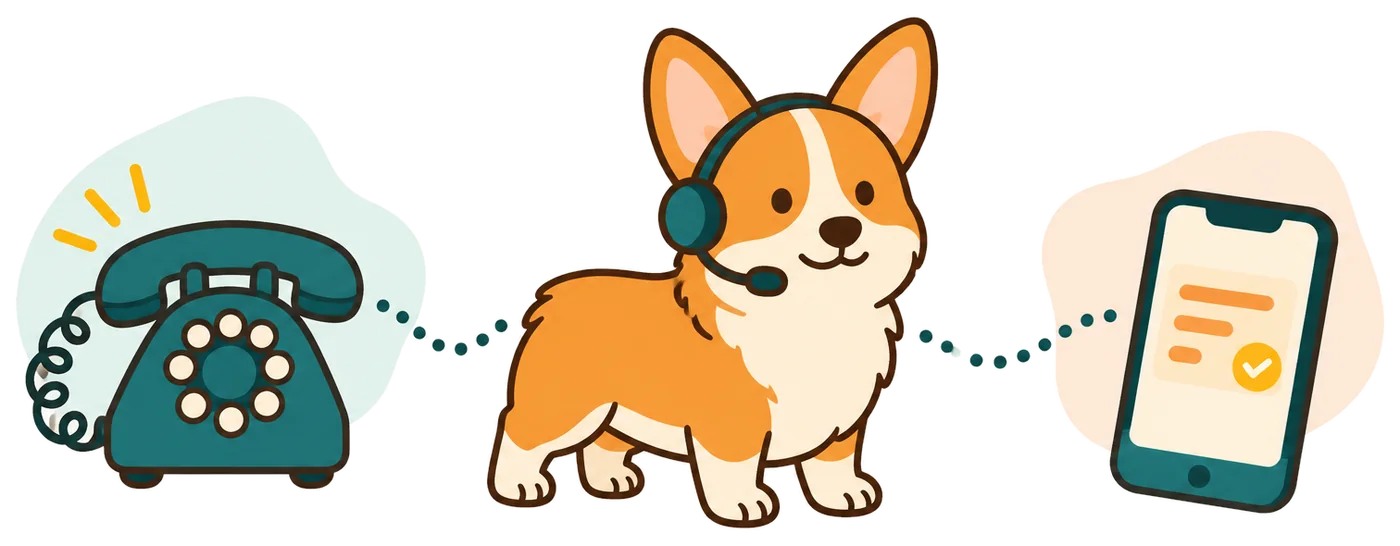
Your receptionist answers forwarded calls about recurring cleaning, equipment concerns, and new service requests. You get the caller's details in a message you can review between stops.
- Recurring serviceCapture the address and the caller's interest in regular pool cleaning.
- Equipment concernsRecord what the owner noticed for your technician to assess.
- Route coverageAnswer forwarded calls while your crew is busy at another property.
Learn more
An AI receptionist for pool service collects the questions you need answered before returning an inquiry. A new customer might ask about weekly care, while an existing customer wants to report an equipment problem. Your receptionist uses the services, coverage area, and price policy you provide.
You can forward calls only when your line is busy or unanswered, or send all calls through it. That gives a small crew a way to collect requests during route hours without changing the business number customers already use.
Collect the Pool Address, Concern, and Next Step
Your receptionist introduces itself as a virtual assistant, gives the recording notice, and asks about the pool service request. It then books, takes a message, or follows your urgent call instructions.
- Property detailsAsk for the pool address and a number for your callback.
- Clear requestSeparate a cleaning inquiry from an owner's report about equipment.
- Useful handoffSend the summary and urgency tag by email and app push.
Learn more
A caller reporting an unusual pump noise can describe what they heard and when they noticed it. Your receptionist records those details, asks the intake questions you set, and uses your rules to decide whether the call needs urgent attention.
If the request qualifies for a booking, it can book into Google Calendar. Otherwise, it collects the information for your callback. For urgent transfers, your on-call person hears a short summary and presses 1 to accept. You can review the transcript and recording alongside the message.
Set Your Service Area, Intake Questions, and Call Routing
You tell us which pool services you offer, where you work, and how inquiries should be handled. Your receptionist learns those instructions through onboarding and the website you provide.
- 1Service boundariesList the cleaning, maintenance, and repair requests your business accepts.
- 2Booking choiceUse Google Calendar appointments or collect details for your callback.
- 3Urgency rulesChoose which concerns reach your on-call person and in what order.
Learn more
Set the distinction between a request for routine cleaning and an equipment concern your team wants to hear about promptly. Add your service area, operating hours, and instructions for discussing prices. You can choose message intake if you prefer to review each address before arranging a visit.
Onboarding uses a chat with 10-15 questions and your website content. We include a local number and instructions for forwarding calls through your carrier or phone system. Make a test call before going live, then update settings by telling the AI what needs to change.
Keep Pool Diagnosis and Repair Decisions With Your Team
Your receptionist gathers information and follows your call rules; your team decides what the pool needs. Equipment descriptions help you prepare for a callback, but they do not establish a diagnosis.
- Technical decisionsLeave equipment diagnosis and repair recommendations to your pool technician.
- Price boundariesShare your stated pricing policy without inventing a repair estimate.
- Flooding near electricityGet everyone out and call 911 or the utility from outside; receptionist alerts you afterward.
Learn more
Your receptionist can record a customer's report of cloudy water or a pump that has stopped running. It should give you that account to assess, rather than turn a description into treatment instructions or a parts recommendation. Define which questions it can answer from your business information.
When a caller reports flooding near electricity, the safety script tells them to get everyone out and call 911 or the utility from outside, then alerts you. Review summaries for mistakes and keep a backup way for customers to reach you.
Test a Pool Service Inquiry Before Forwarding Calls
The browser demo lets you hear the receptionist without signing up. When free trials open, you can test your own pool service details, intake questions, and forwarding setup.
- Hear the greetingListen for the virtual assistant introduction and recording notice.
- Try an inquiryUse a fictional business scenario to assess questions and responses.
- Test your setupCheck your pool service instructions before forwarding customer calls.
Learn more
Start with a browser conversation to hear how the receptionist handles a fictional business call. The general after-hours message scenario is a useful place to test a caller who wants a return call. Demo businesses are fictional, so your own service area and pool policies come later.
Join early access for pool service; after trials open, you will sign in through an email link and complete the onboarding chat. The trial will last 14 days with a 100 minute cap. A card is required before call forwarding goes live.
Questions
Can I keep the number printed on my pool service truck?
Yes. You keep your existing business number and forward calls to your receptionist. Choose all calls or only calls that are busy, unanswered, or after hours. We provide a forwarding guide for your carrier or phone system, and you make a test call before using it with customers.
Will pool customers know the receptionist is AI?
Yes. Your receptionist says it is a virtual assistant and tells callers the call is recorded at the start of the conversation. Both notices stay on. Try the demo to hear the greeting and decide how the rest of your business introduction should read.
Can it transfer an urgent pool equipment call to me?
Yes, when the request meets the urgency rules you set. Your receptionist can warm transfer to your on-call person or page them in your chosen order. On a warm transfer, the recipient hears a short summary first and presses 1 to take the call.
Where do I find messages while I am on my route?
We send an email and an app push notification for each call, with a summary, urgency tag, transcript, and recording. You can also review calls in the dashboard and use the daily digest email to work through requests after your route.
Can Spanish-speaking pool owners use the service?
Yes. Your receptionist speaks English and Spanish, and callers can switch languages during a conversation. It uses the same business information for pool service requests in either language. Once trials become available, test a Spanish inquiry and review the captured details before you forward customer calls.
What does the pool service answering plan cost?
Starter is $99 per month, including 150 AI minutes, then $0.35 per extra minute; Pro is $249, including 500 AI minutes, then $0.20 per extra minute. Billing is month to month, and you can cancel online. When trials open, the free trial will have a 100 minute cap over 14 days; add a card before forwarding goes live.

Try the Demo Before Setting Up Pool Service Calls
Hear the greeting and ask a question in the browser demo. Then join early access; when free trials open, you can build your pool service intake and test your call routing.