
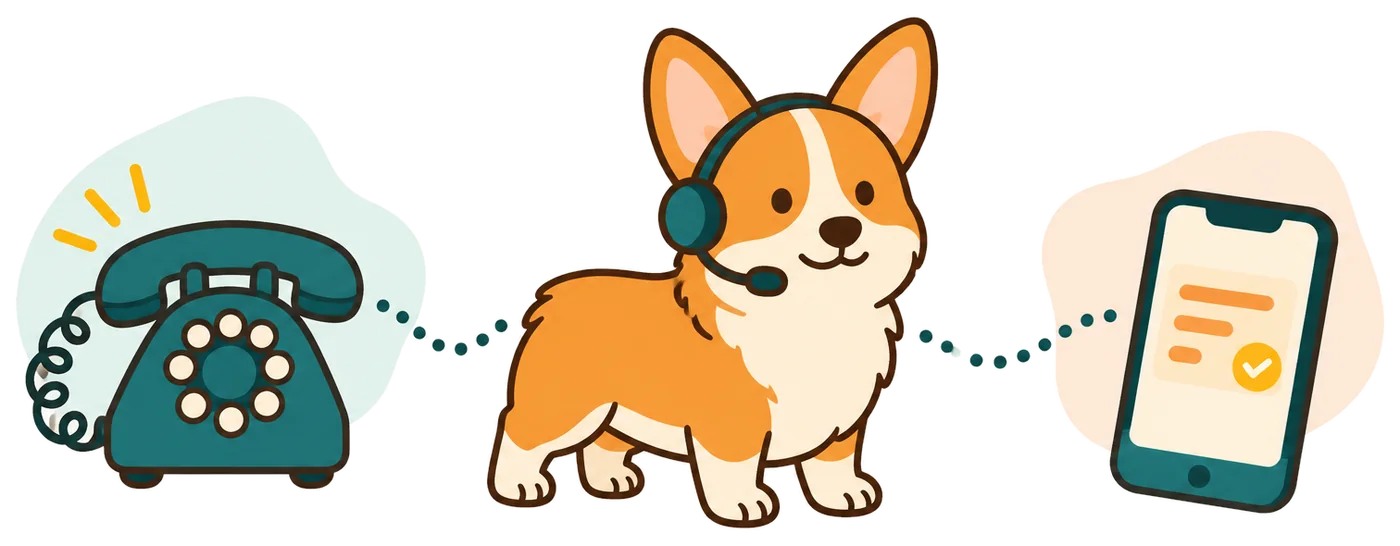
Answer service questions while you care for clients
Your receptionist answers forwarded calls about your services, hours and appointment process. It can take a message while your team is cutting hair, preparing rooms or serving clients.
- Service questionsShare the descriptions and price policy you provide during setup.
- Appointment requestsAsk which service the caller wants and collect callback details.
- Quiet coverageLet unanswered calls forward while staff focus on current clients.
Learn more
Your receptionist helps callers take the next step without pulling a stylist or front desk person into another conversation. It can explain your stated opening hours, ask which service a caller wants and collect a preferred appointment time for your team to review.
An AI receptionist for salon and spa calls uses your own service descriptions and booking instructions. You can choose Google Calendar appointments or callback intake. That choice lets a solo owner and a staffed salon use the same answering service in ways that fit their booking process.
How a service inquiry becomes an appointment request
The receptionist introduces itself as a virtual assistant, gives the recording notice and asks what the caller needs. It follows your appointment instructions and sends the call details.
- Service choiceAsk which salon or spa service the caller wants today.
- Booking routeUse Google Calendar appointments or gather a request for review.
- Call recordSend the summary and conversation records by email and app notification.
Learn more
A caller asking about a haircut can hear your supplied service information and explain their appointment preferences. If you use callback intake, the receptionist gathers the name, number and request so your team can check the right provider and appointment length.
If you choose Google Calendar booking, the receptionist follows the appointment setup you give it. You receive an email and app push notification containing the summary, urgency tag, transcript and recording. Callers may speak English or Spanish and switch between those languages during the call.
Set your services, hours and booking approach
You supply the service menu, opening hours and appointment rules your receptionist uses. Choose which calls forward and update the instructions in plain words when your business changes.
- 1Service menuDescribe the services you offer and requests you do not take.
- 2Booking policyChoose direct Google Calendar appointments or messages for staff review.
- 3Coverage choiceForward calls during treatments, after closing or whenever lines are busy.
Learn more
During the 10-15 question onboarding chat, explain your services and point us to your website. Include your price policy, hours and what you want collected before a callback. If appointment length or provider choice needs a staff decision, make callback intake your process.
You keep your existing number and follow the guide for your carrier or phone system. Make a test call before turning forwarding on for business calls. After setup, tell the AI when you change your menu, hours or instructions for appointment requests.
Keep treatment advice and specialist booking decisions with staff
Your receptionist shares your supplied information and takes requests; staff handle individual treatment recommendations. Healthcare use is not offered, and direct connections to salon booking software are not live.
- Individual adviceRoute questions needing a professional recommendation back to your staff.
- Booking softwareTake requests your team can enter into its existing system.
- Service scopeUse RingCorgi for salon and spa calls outside healthcare services.
Learn more
A caller asking which treatment suits them may need a conversation with your team. Give the receptionist a clear boundary: explain your published service information and take a callback request when the answer depends on individual advice. Keep healthcare services and protected health information out of this setup.
If your appointments live in specialist salon software, use message intake so staff can check that system. Google Calendar booking is available, but the receptionist does not read your salon software's records. Review summaries for errors and keep a backup contact route.
Try the conversation before your next busy day
The no-signup browser demo lets you hear the receptionist; join early access to hear when trials open. Then use your own service information to test the questions callers ask your salon.
- Hear it firstTry a fictional after-hours message in the browser demo.
- Add your menuTeach the receptionist your services and appointment request policy.
- Review the resultCheck a test call's summary before forwarding salon calls.
Learn more
Use the after-hours message demo to hear a fictional business conversation without signing up. Listen to the greeting, questions and message-taking so you know what you want to test with your own service menu.
Join salon early access; once trials open, sign in by email link and complete the AI's onboarding chat. The trial will include 100 minutes over 14 days, with a card required before forwarding goes live. Test a simple service question and a request that needs staff review, then read the resulting summaries.
Questions
Can it book appointments in our salon software?
Direct connections to salon software are not live. Your receptionist can book into Google Calendar or collect requests for your team to enter into its booking system. Choose callback intake if staff need to check provider availability, appointment length or client records before confirming a booking.
Will callers know they are speaking with AI?
Yes. Your receptionist identifies itself as a virtual assistant and says the call is recorded at the start. Those notices cannot be switched off. The browser demo lets you hear the greeting and judge the experience before you send your salon or spa calls to it.
Can I use it while I am with a client?
Yes. You can forward unanswered or busy calls instead of sending all calls to the receptionist. It answers using your supplied service information and gathers messages while you work. Email and app push notifications give you the call summary and records to review between appointments.
Can it answer questions in Spanish?
Yes. The receptionist speaks English and Spanish, and callers can switch language during a conversation. It still uses the services, policies and intake instructions you provide. When trials open, you can test a Spanish service inquiry and check whether the collected details suit your callback process.
Can I try it before committing to a subscription?
Start with the browser demo, which needs no signup. Once trials open, the free trial will give you 14 days capped at 100 minutes to test your own setup. A card is required before call forwarding goes live. The paid subscription is month to month and can be cancelled online.
Hear how your next service inquiry could go
Try the demo; once trials become available, build your salon's setup during onboarding. Test service questions and appointment requests before choosing which calls to forward.